BioShare
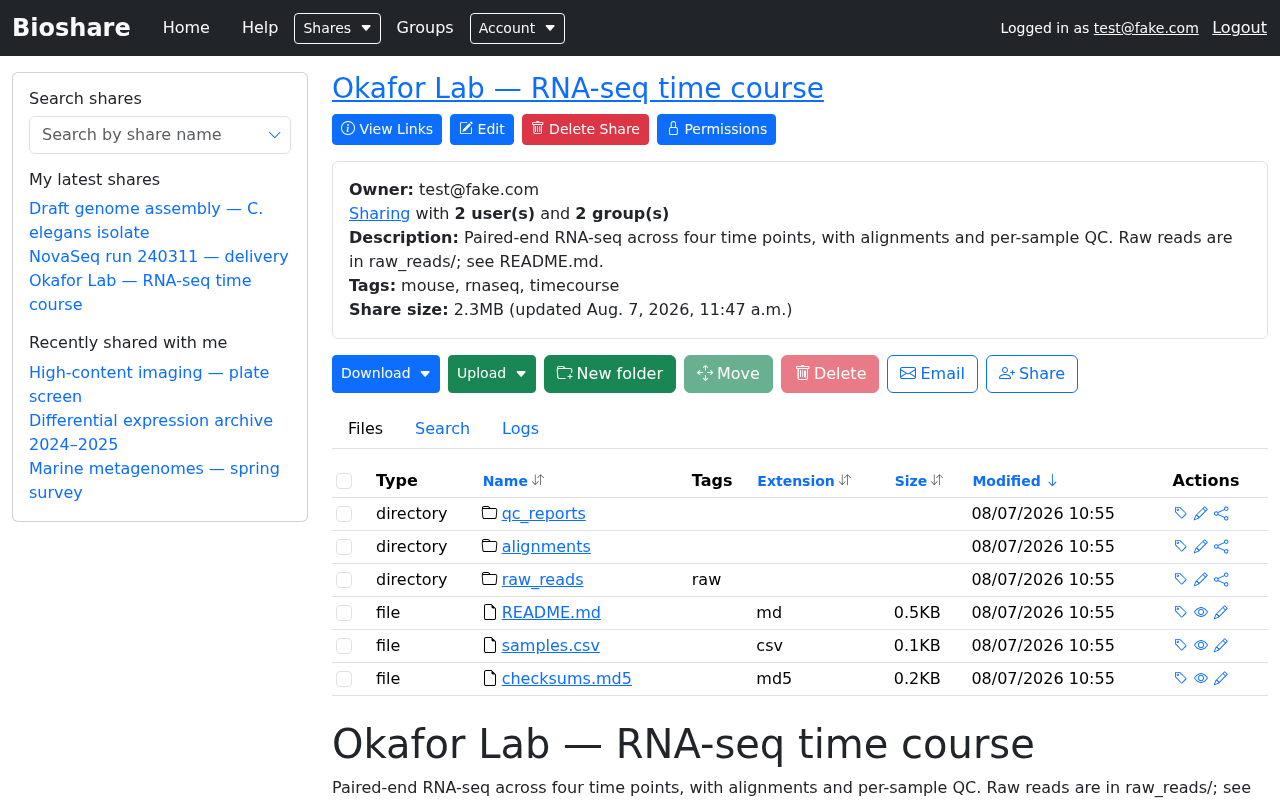
BioShare is a file sharing web application designed for the "big data" common to bioinformatics. It was built to make large datasets easy to hand to a collaborator, but it works just as well for small ones.
What it is for
- Sharing data with anyone. All you need from a collaborator is an email address. They do not need an account beforehand — one is created for them.
- Granular access. Each person or group can be given a different level of access, from browsing only, through downloading, up to full administration. See Permissions.
- Transfers that suit the job. A browser is fine for a handful of files. For large or numerous ones, BioShare also speaks SFTP, rsync and wget. See Downloading and uploading.
- Finding things quickly, through search, tags and per-share file listings.
Who this guide is for
Most people reading this have been sent a share and want to get files out of it — or put files into it. The first three sections cover exactly that, in order:
- Getting started — logging in and finding your shares
- Browsing a share — working with files and folders
- Downloading and uploading — moving data in and out
If you also create shares for other people, the For share owners section covers creating shares, granting permissions, and managing them over time.
Your username is your email address
BioShare identifies you by email. Wherever a username is asked for — the login form, an SFTP client, an rsync command — use the full email address your account was created with.
Getting help
If something in this guide does not match what you see, your institution may be running a different version of BioShare, or may have configured it differently. Contact whoever administers your BioShare instance; the footer of every page usually lists an address.